Core Features
Powerful capabilities designed to deliver a seamless cloud desktop experience — built for speed, collaboration, and security.
Cloud Desktop Environment
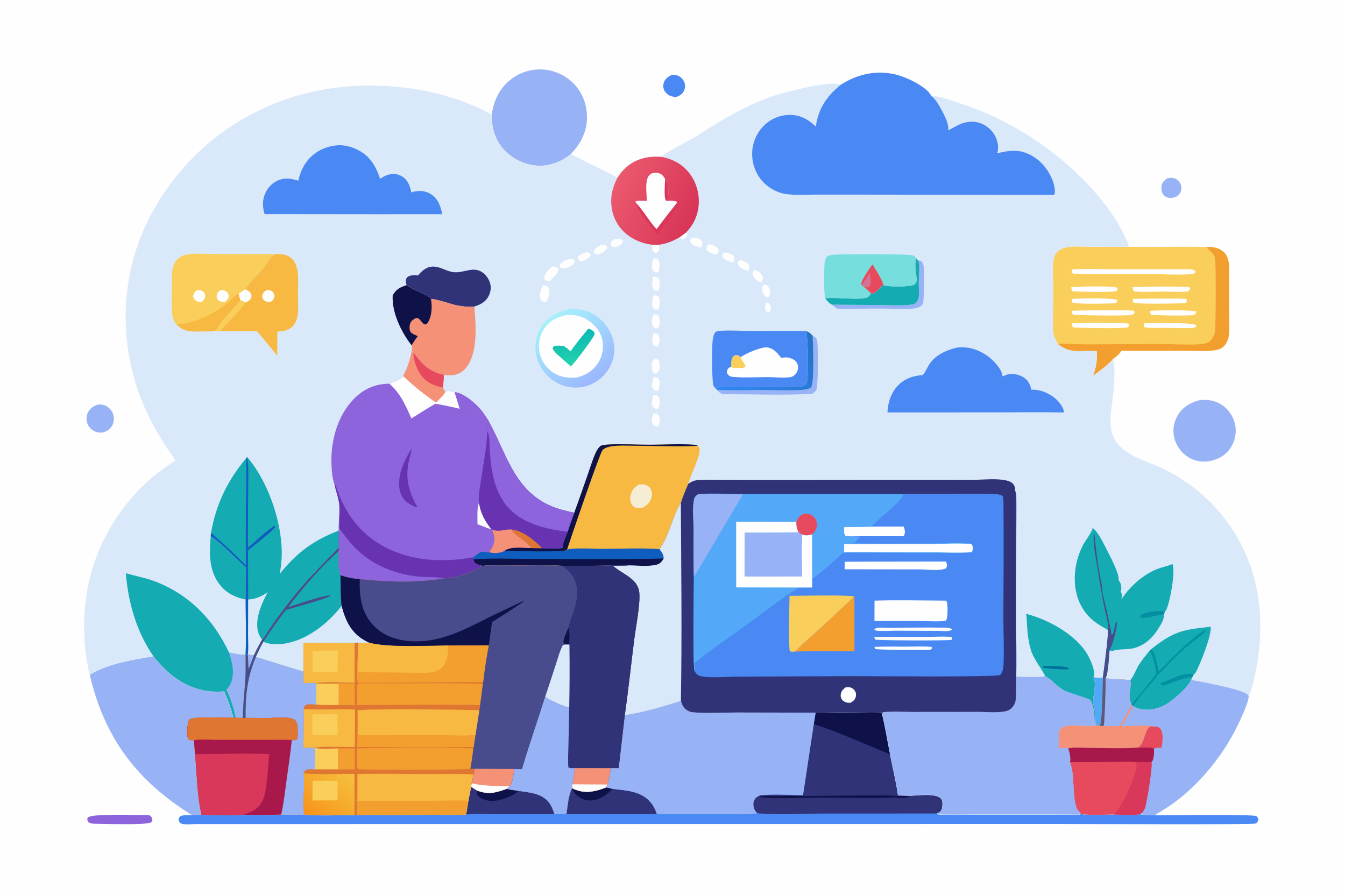
Desktop & Laptop: Your full cloud desktop on any computer.
Pocketoffice runs entirely in the browser, giving you instant access to your desktop from Windows, macOS, or Linux systems—no software installation required.

Tablets & Mobile Devices: Work on the go, without compromise.
Access your cloud desktop from tablets and mobile devices to review files, manage tasks, or continue work while traveling—everything stays automatically synced.
Modern Browsers: No downloads. Just open and work.
Pocketoffice supports all major modern browsers, ensuring a consistent, secure, and fast desktop experience across devices.
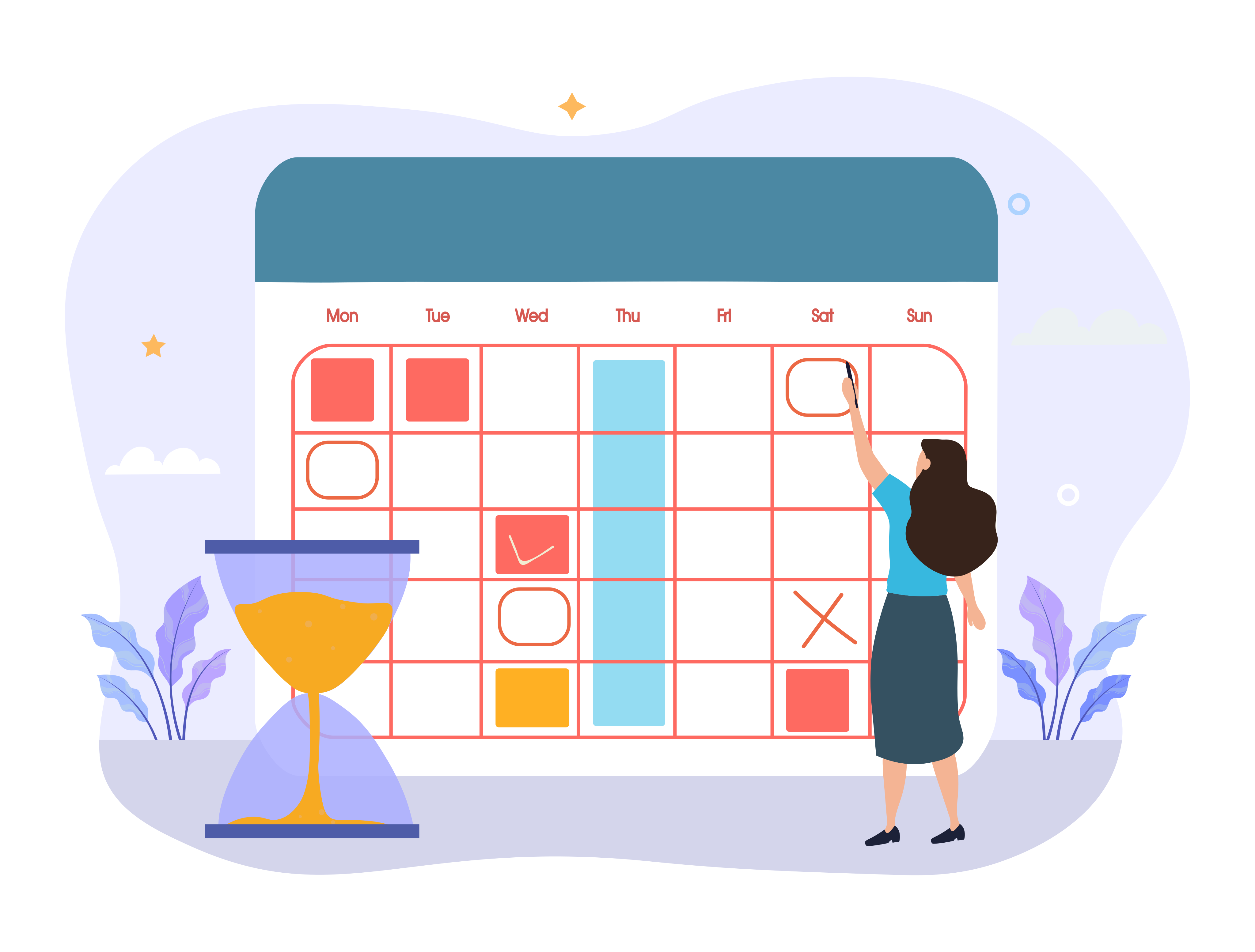
Calendar Widget: Stay on schedule without leaving your desktop.
The built-in calendar widget keeps your daily agenda visible at a glance, helping you manage meetings, deadlines, and reminders directly from your cloud desktop.
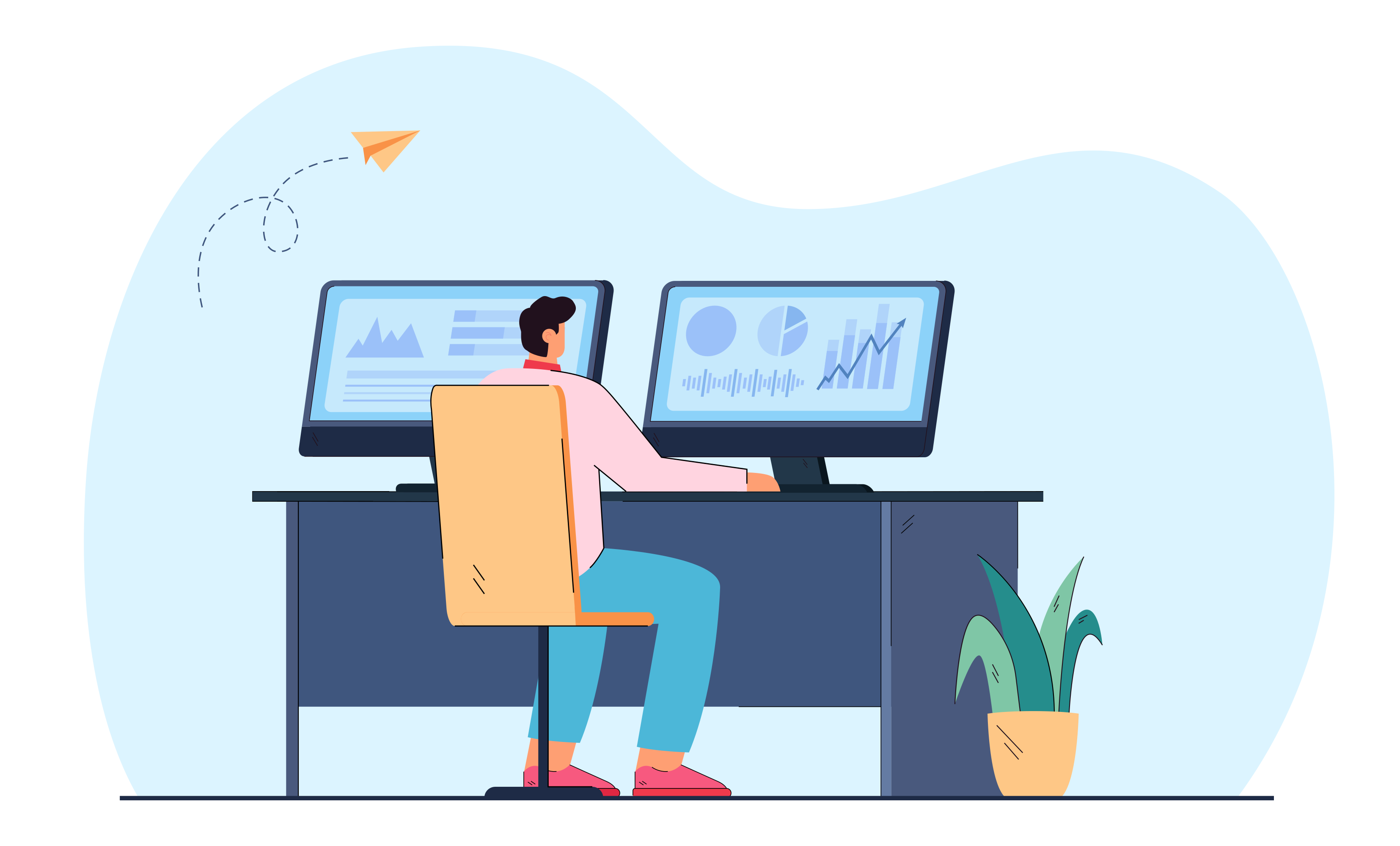
System Monitor: Real-time visibility into your workspace.
Track active applications, system activity, and resource usage through a lightweight system monitor—full visibility without disrupting your workflow.

Notifications Center: Never miss what matters.
Instant alerts for file activity, sharing updates, and system events, all centralized in one notifications widget for quick access.
File Manager & Storage
View Access: See files without making changes.
Grant view-only access to files and folders so users can review content securely without the risk of edits or accidental changes.
Edit Access: Collaborate with confidence.
Allow users to edit files and folders while maintaining visibility and control—perfect for active team collaboration.
Share Access: Control file sharing.
Manage who can share files externally or internally, with options to restrict, allow, or time-limit sharing according to your organization’s policies.
On-Demand Storage Scaling: Add space whenever you need it.
Pocketoffice let's you expand storage instantly as files, projects, and teams grow. No migrations, no downtime, no manual setup—just increase storage and keep working.
No Disruption, No Downtime: Keep your workflow uninterrupted.
Storage expansion happens seamlessly in the background, ensuring users can access files without delays or performance drops.

Admin-Controlled Allocation: Allocate storage where it matters most.
Admins can manage storage limits per user, team, or workspace—maintaining cost control while supporting growth.
Window-based Multitasking
True Desktop-Style Multitasking: Multiple windows. One workspace.
Open, resize, and manage multiple application windows simultaneously in Pocketoffice—just like a traditional OS, but fully cloud-based.

Faster Task Switching: Move between tasks instantly.
Keep files, apps, and tools visible side by side, reducing context switching and helping you complete work faster with fewer interruptions.
Better Focus, Better Flow: See everything that matters.
Window-based multitasking helps users stay in control, maintain visual context, and avoid constantly opening and closing apps.
App Launcher
Productivity & Office Apps: Get everyday work done faster.
Access document editors, spreadsheets, presentations, and note-taking tools directly from your cloud desktop—no platform switching required.
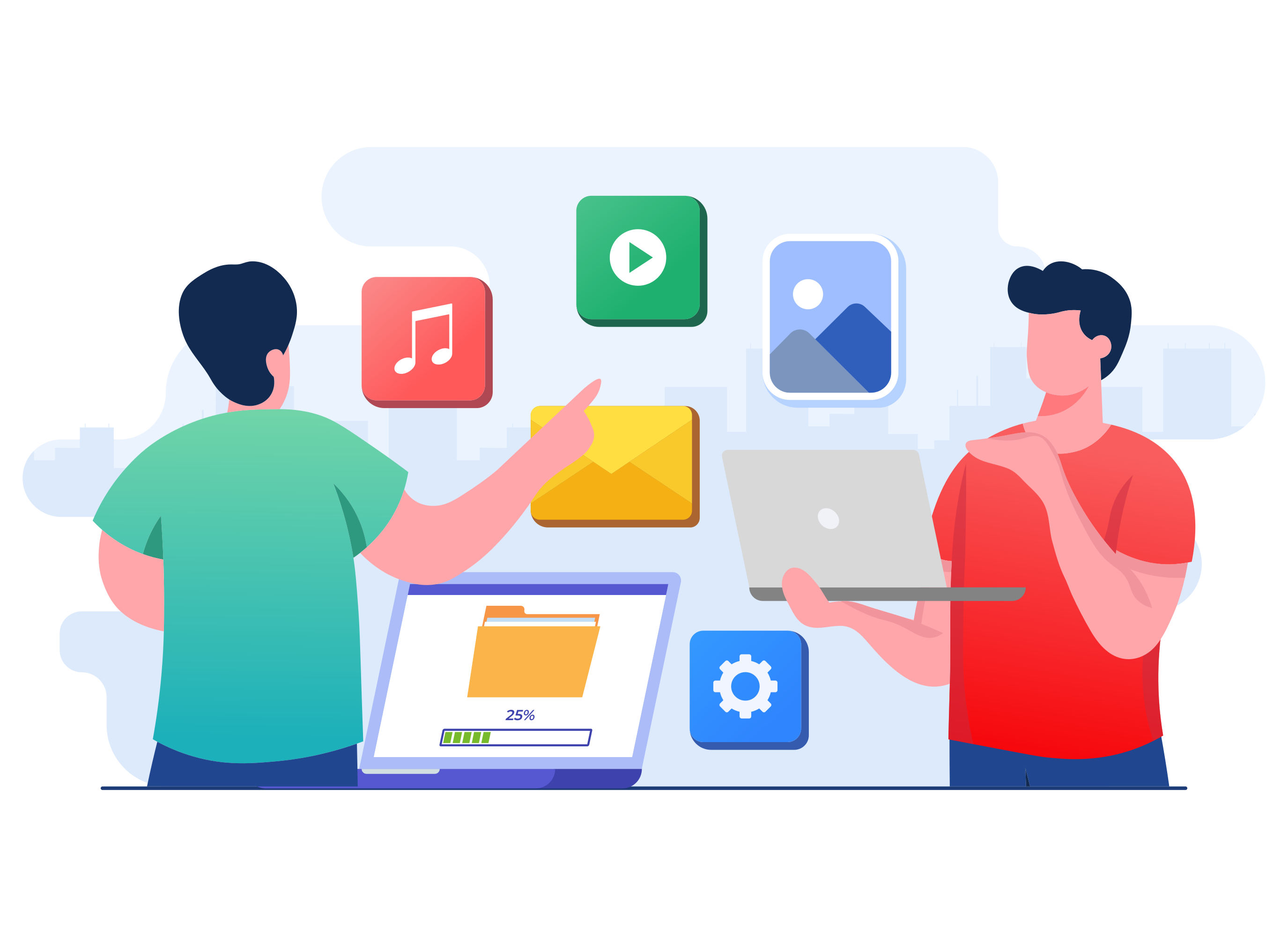
Communication & Collaboration: Stay connected without leaving your workspace.
Launch chat and email tools from one place, keeping conversations and work in sync.

Web & Custom Applications: Bring your own tools.
Connect any web-based or internal application via URL or IP-based access and launch them like native desktop apps.
Drag & Drop UI

Move Files & Folders Instantly: Organize your workspace with simple drag-and-drop actions.
Move files or folders across the desktop, into folders, or between workspaces—just like a traditional operating system, but fully browser-based.
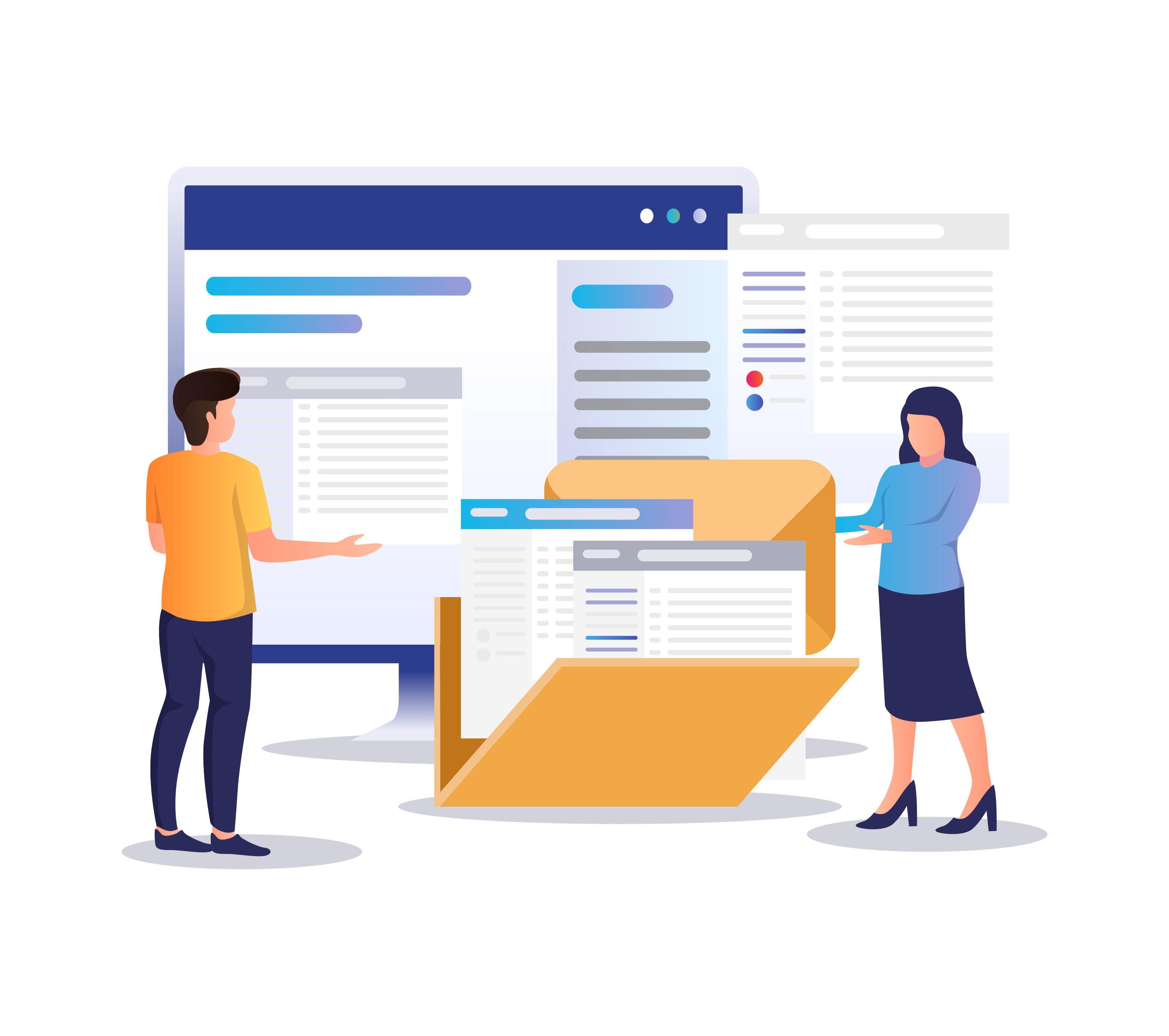
Seamless App & File Interaction: Actions feel natural, not forced.
Drag files into apps, move items between windows, or drop content into shared folders—all without extra clicks or menus.
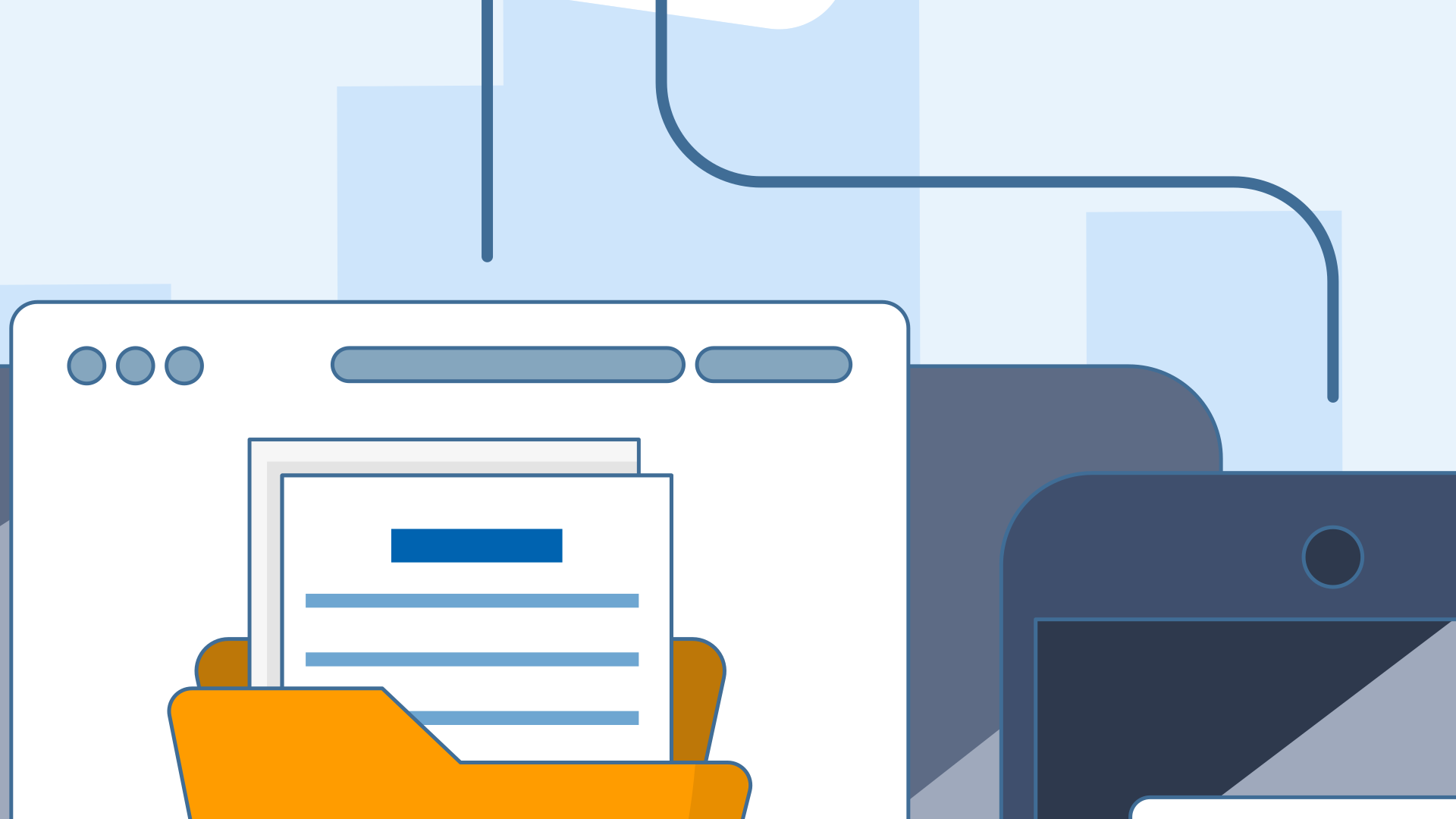
Designed for Speed & Accuracy: Less friction. More focus
The intuitive drag-and-drop UI reduces repetitive actions, helping users stay focused and efficient throughout the workday.
Keyboard Shortcuts
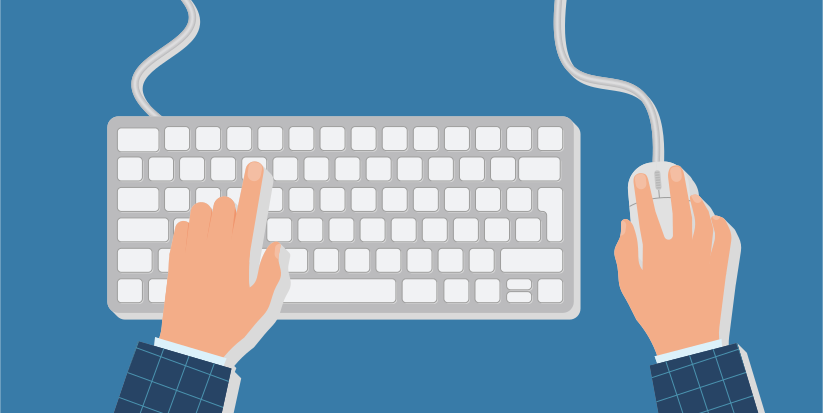
Use Familiar OS Shortcuts : No learning curve required.
Pocketoffice supports commonly used keyboard shortcuts from traditional operating systems, helping users stay productive from day one.
Speed Up Daily Actions: Small shortcuts, big time savings.
Reduce repetitive actions and complete tasks faster—especially when managing files, switching windows, or navigating the desktop.

Power-User Productivity: Designed for focused, high-output work.
For advanced users, keyboard shortcuts make multitasking smoother and keep attention on the task at hand instead of navigating menus.
Multi-device Sync
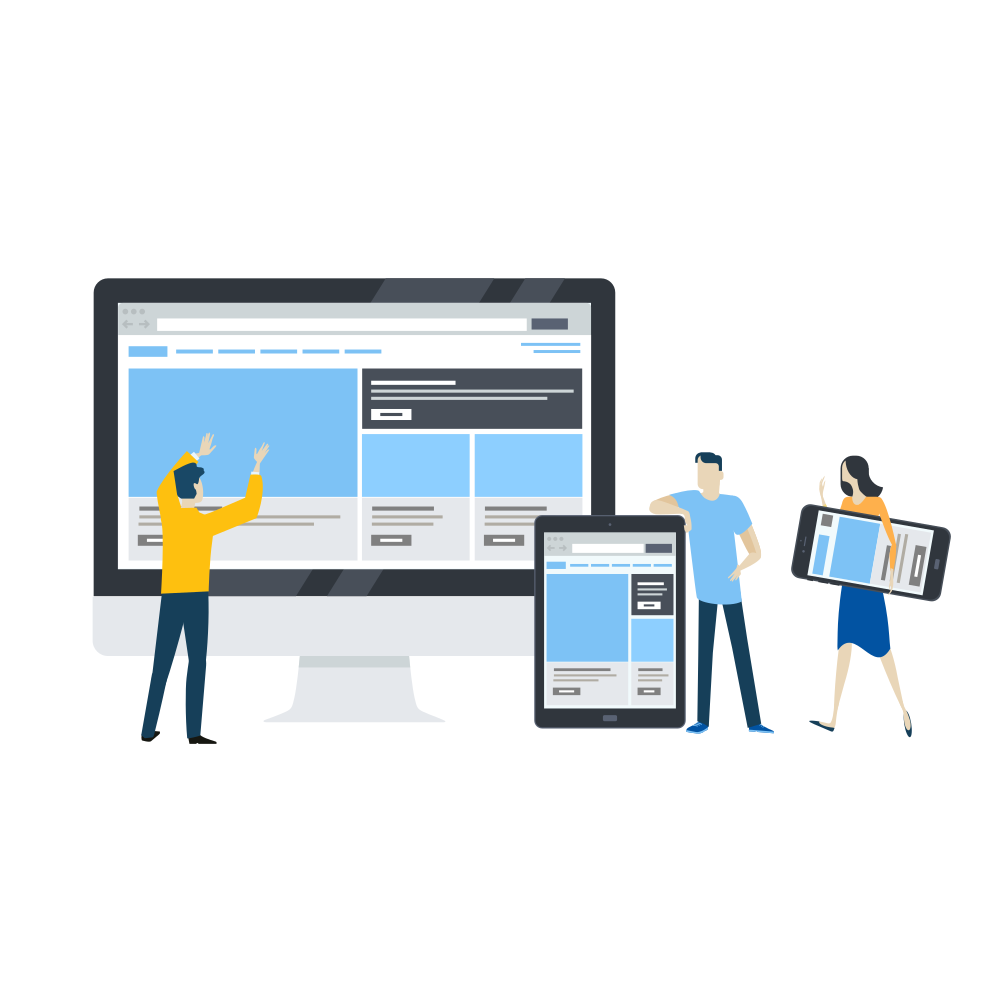
Work Across Devices Seamlessly : Your desktop follows you everywhere.
With Pocketoffice multi-device sync, your files, apps, and open workspace stay in sync across all devices. Simply log in and continue exactly where you left off.
A Day-to-Day Scenario: From office to home to on the move.
Reduce repetitive actions and complete tasks faster—especially when managing files, switching windows, or navigating the desktop.

Always Up to Date: No manual syncing required.
Changes made on one device are automatically reflected everywhere, keeping your workspace current and consistent.
Desktop & Laptop: Your full cloud desktop on any computer.
Pocketoffice runs entirely in the browser, giving you instant access to your desktop from Windows, macOS, or Linux systems—no software installation required.
Tablets & Mobile Devices: Work on the go, without compromise.
Access your cloud desktop from tablets and mobile devices to review files, manage tasks, or continue work while traveling—everything stays automatically synced.
Modern Browsers: No downloads. Just open and work.
Pocketoffice supports all major modern browsers, ensuring a consistent, secure, and fast desktop experience across devices.
Calendar Widget: Stay on schedule without leaving your desktop.
The built-in calendar widget keeps your daily agenda visible at a glance, helping you manage meetings, deadlines, and reminders directly from your cloud desktop.
System Monitor: Real-time visibility into your workspace.
Track active applications, system activity, and resource usage through a lightweight system monitor—full visibility without disrupting your workflow.
Notifications Center: Never miss what matters.
Instant alerts for file activity, sharing updates, and system events, all centralized in one notifications widget for quick access.
View Access: See files without making changes.
Grant view-only access to files and folders so users can review content securely without the risk of edits or accidental changes.
Edit Access: Collaborate with confidence.
Allow users to edit files and folders while maintaining visibility and control—perfect for active team collaboration.
Share Access: Control file sharing.
Manage who can share files externally or internally, with options to restrict, allow, or time-limit sharing according to your organization’s policies.
On-Demand Storage Scaling: Add space whenever you need it.
Pocketoffice let's you expand storage instantly as files, projects, and teams grow. No migrations, no downtime, no manual setup—just increase storage and keep working.
No Disruption, No Downtime: Keep your workflow uninterrupted.
Storage expansion happens seamlessly in the background, ensuring users can access files without delays or performance drops.
Admin-Controlled Allocation: Allocate storage where it matters most.
Admins can manage storage limits per user, team, or workspace—maintaining cost control while supporting growth.
True Desktop-Style Multitasking: Multiple windows. One workspace.
Open, resize, and manage multiple application windows simultaneously in Pocketoffice—just like a traditional OS, but fully cloud-based.
Faster Task Switching: Move between tasks instantly.
Keep files, apps, and tools visible side by side, reducing context switching and helping you complete work faster with fewer interruptions.
Better Focus, Better Flow: See everything that matters.
Window-based multitasking helps users stay in control, maintain visual context, and avoid constantly opening and closing apps.
Productivity & Office Apps: Get everyday work done faster.
Access document editors, spreadsheets, presentations, and note-taking tools directly from your cloud desktop—no platform switching required.
Communication & Collaboration: Stay connected without leaving your workspace.
Launch chat and email tools from one place, keeping conversations and work in sync.
Web & Custom Applications: Bring your own tools.
Connect any web-based or internal application via URL or IP-based access and launch them like native desktop apps.
Move Files & Folders Instantly: Organize your workspace with simple drag-and-drop actions.
Move files or folders across the desktop, into folders, or between workspaces—just like a traditional operating system, but fully browser-based.
Seamless App & File Interaction: Actions feel natural, not forced.
Drag files into apps, move items between windows, or drop content into shared folders—all without extra clicks or menus.
Designed for Speed & Accuracy: Less friction. More focus
The intuitive drag-and-drop UI reduces repetitive actions, helping users stay focused and efficient throughout the workday.
Use Familiar OS Shortcuts : No learning curve required.
Pocketoffice supports commonly used keyboard shortcuts from traditional operating systems, helping users stay productive from day one.
Speed Up Daily Actions: Small shortcuts, big time savings.
Reduce repetitive actions and complete tasks faster—especially when managing files, switching windows, or navigating the desktop.
Power-User Productivity: Designed for focused, high-output work.
For advanced users, keyboard shortcuts make multitasking smoother and keep attention on the task at hand instead of navigating menus.
Work Across Devices Seamlessly : Your desktop follows you everywhere.
With Pocketoffice multi-device sync, your files, apps, and open workspace stay in sync across all devices. Simply log in and continue exactly where you left off.
A Day-to-Day Scenario: From office to home to on the move.
Reduce repetitive actions and complete tasks faster—especially when managing files, switching windows, or navigating the desktop.
Always Up to Date: No manual syncing required.
Changes made on one device are automatically reflected everywhere, keeping your workspace current and consistent.