Enable secure, real-time collaboration with centralized file sharing and complete control — all within your cloud workspace.
Keep collaboration within your organization.
Pocketoffice makes it easy to share files and folders with teammates while maintaining full visibility and control. Everyone works from the same source, reducing duplication and confusion.
Secure access for clients and partners.
Share files externally with clients, vendors, or partners while maintaining strict control over permissions. Decide who can view, edit, or download—without exposing your internal workspace.
One sharing system. multiple use cases.
Whether files stay internal or go outside, Pocketoffice ensures consistent security, tracking, and permission management.
Everything in its right place.
Create dedicated workspaces for departments like HR, Finance, Sales, or Projects. Each workspace keeps files, discussions, and permissions well-organized.
No more mixed files or lost context.
Department-specific workspaces reduce clutter and help teams focus on what’s relevant to their work.
Collaborate efficiently without losing structure.
Share specific folders or files across departments while keeping the overall workspace organized and secure.
Clear roles for every user.
Define roles such as Admin, Editor, Contributor, and Viewer to control what users can see and do across files and workspaces.
Same rules. Everywhere
A structured permission matrix ensures permissions are applies access rules consistently across teams, departments, and projects.
Everyone knows their responsibility.
Clear permissions reduce errors, strengthen accountability, and enable secure collaboration at scale.
Know who did what—and when.
Track file access, edits, downloads, and sharing events across users and teams through comprehensive activity logs.
Built for compliance needs.
Activity tracking helps organizations meet internal audits, compliance standards, and regulatory requirements with confidence.
Full visibility without micromanagement.
Admins get insight into system usage and behavior while teams continue working freely and efficiently.
Access your complete cloud desktop securely across desktops, laptops, tablets, and mobile devices, enabling seamless productivity from any modern browser environment.
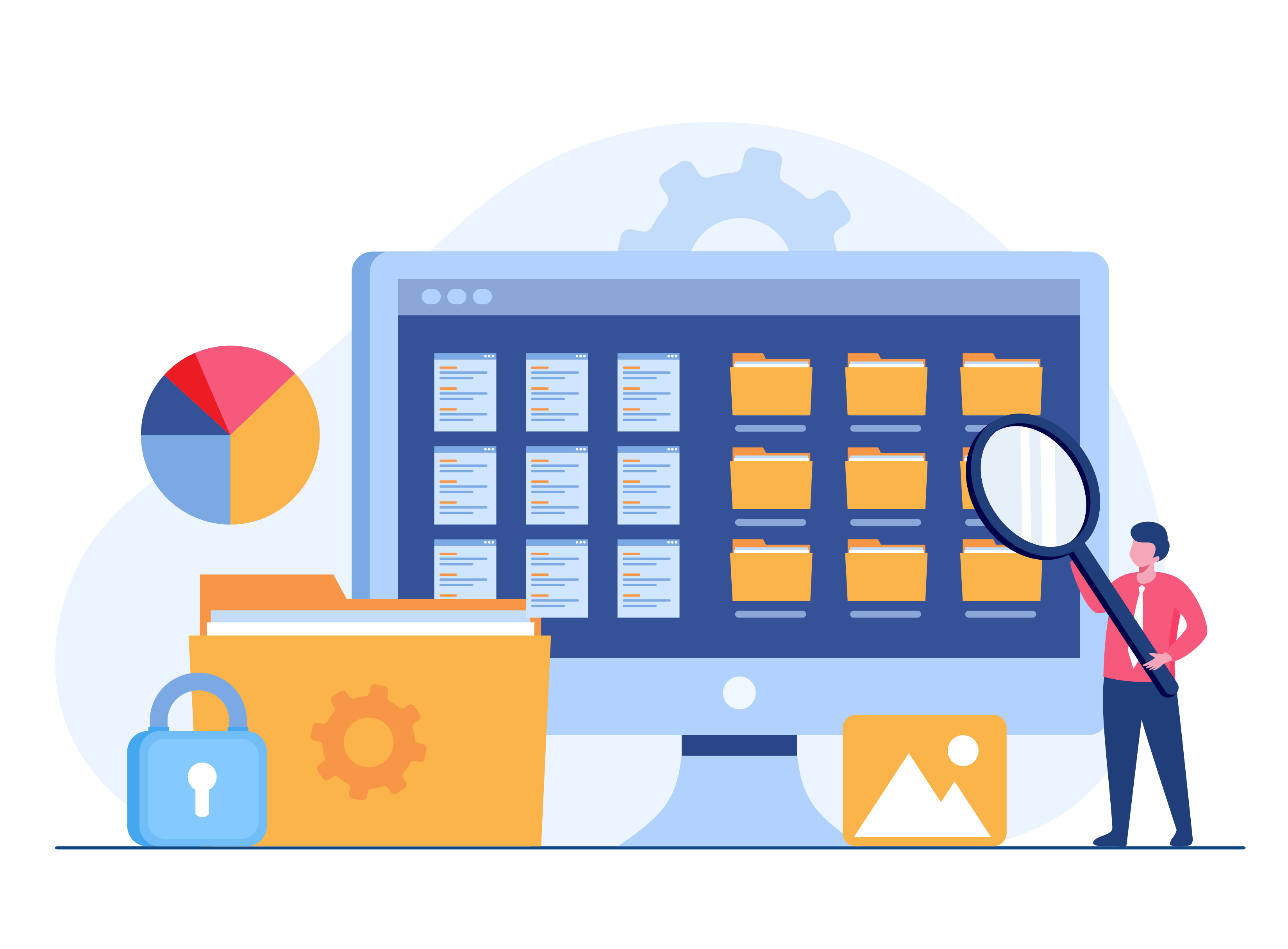
Explore cloud desktop capabilities →Organize and manage files with flexible permissions, collaborate safely with editing controls, and securely share documents across teams within your workspace.
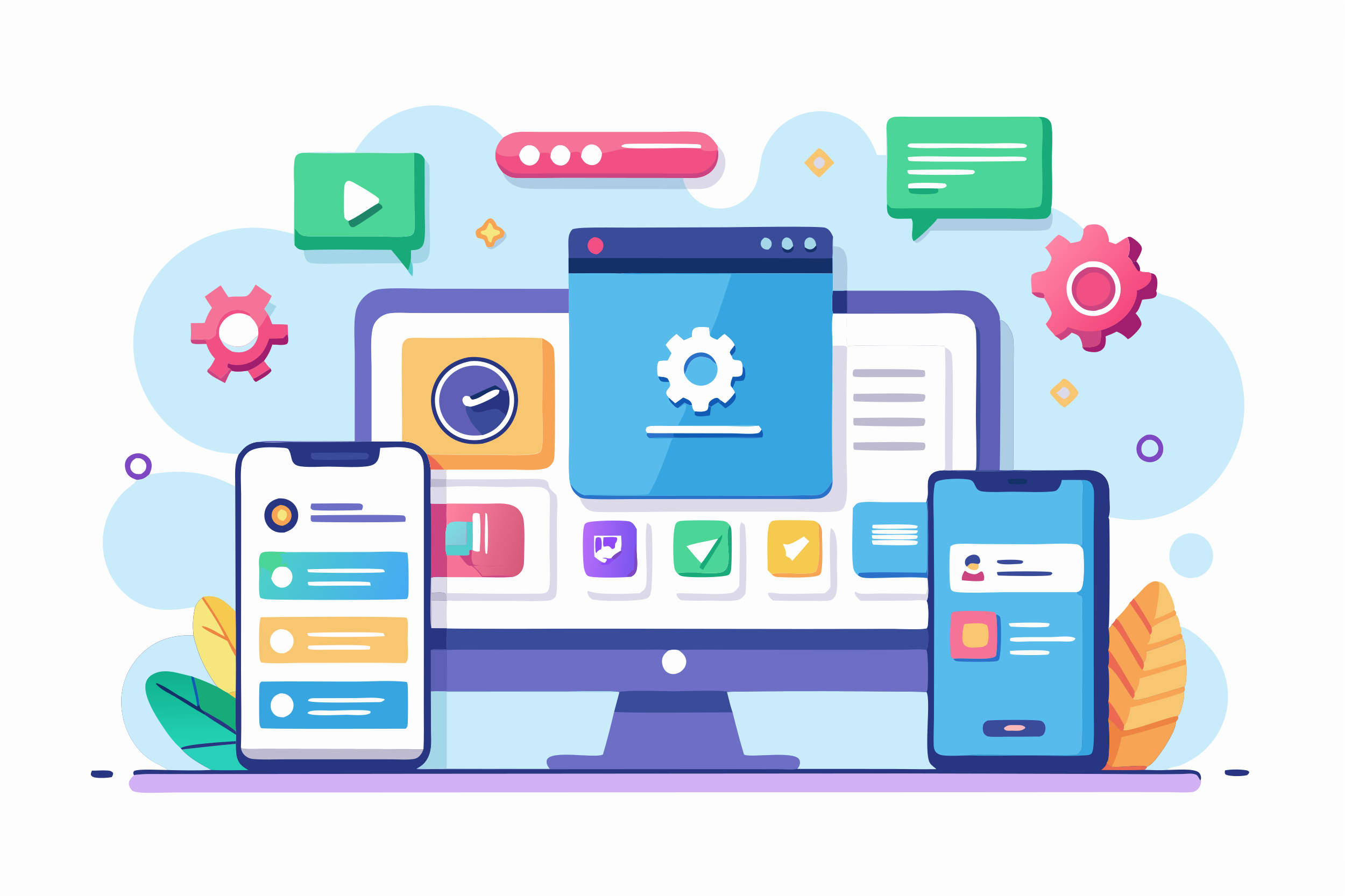
Explore file management tools →Launch productivity tools, communication apps, and custom business applications instantly from a unified workspace designed to simplify workflows and daily collaboration.
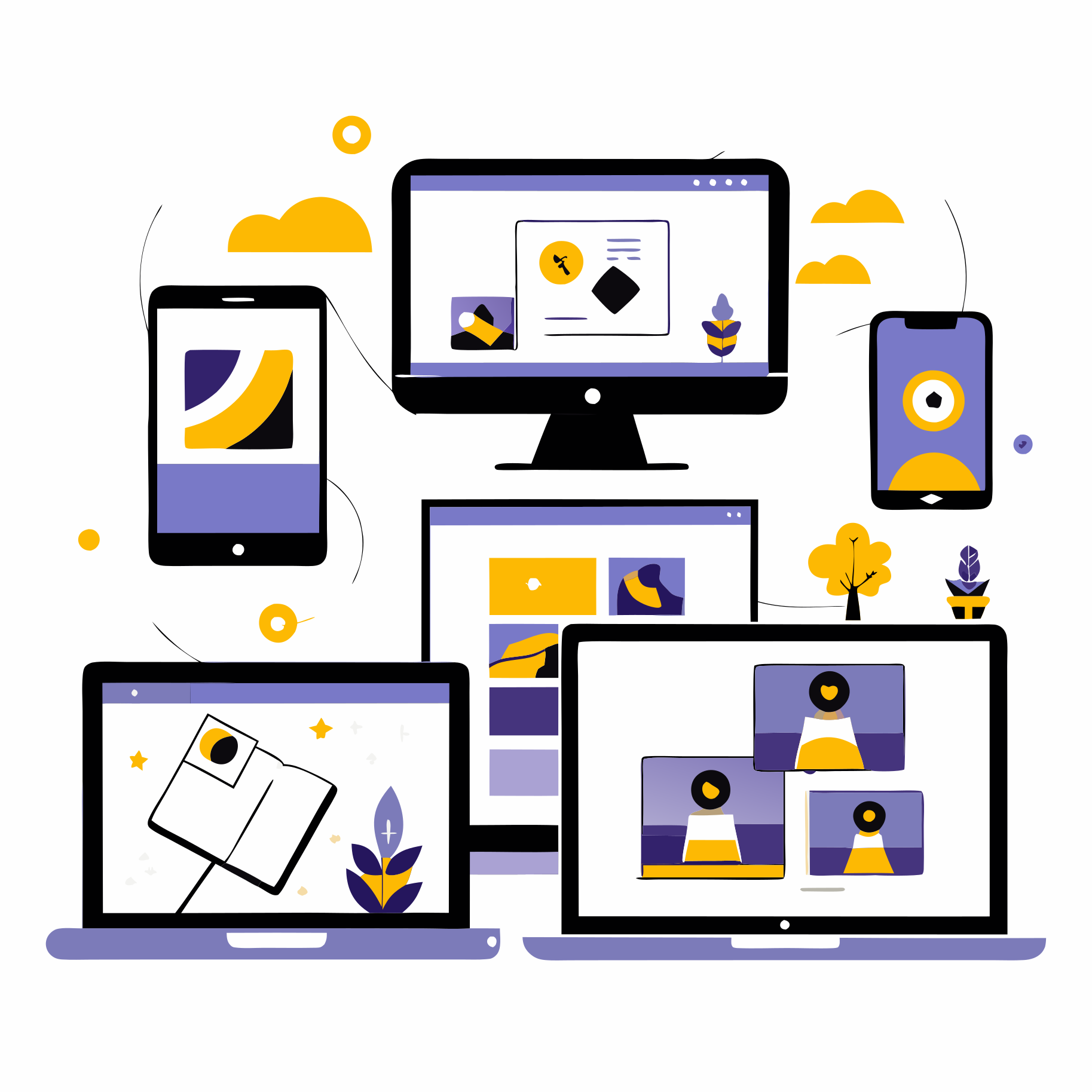
Explore available applications →Keep your files, applications, and workspace synchronized instantly across desktops, laptops, tablets, and mobile devices, ensuring continuous access and seamless productivity wherever you work.
Explore device management tools →